Previous entries have been very design focused. For this entry, let’s talk about building things.
Getting code to production has always been an amazing problem. There’s no one “right” solution; but there are a lot of ways to do it wrong. Here’s a story from a client:
“If we’re very lucky, we get a very bloody release to production once every three months. Most production deployments take at least an entire weekend. We had one production push that took 4 days recently.”
So we asked them about their development pipeline. They told us that the dev pipeline wasn’t the problem, that it was mostly software quality that caused the issues. After a few more questions we started getting more information about their development pipeline:
We have five environments in our development pipeline (including production).
The first is basically a Dev sandbox, everyone has access to it and can try things on it outside their local environment.
The second is a dedicated QA instance. Only the QA team has access to this environment… except the developers do too, since they do all the deployments.
Third one up is the User Acceptance Testing (UAT) environment. This is the most “production-like” environment we have direct control over.
Next one up is pre-production. Pre-prod is actually controlled by an outside entity, in order to get anything deployed there we have to have everything ready to hand over to another group to actually do the deployment.
Then there’s production. We’re not allowed to touch it. Any changes have to go through pre-prod deployment first — and pre-prod is different enough from production that the changes are not always applicable there.
With these environments, the client had significant problems getting changes done, tested, and promoted at speed.
Production installs always took longer than expected and had unexpected issues. Environments would go down and dev schedules would slip. Errors in one environment wouldn’t be possible to replicate in another environment. QA ended up testing in every environment, because no one environment provided enough functionality to perform their entire test suite.
And when these things happened, the result was the entire 150+ person project coming to a screeching halt.
In general, big problems.
Quality was often blamed, but change throughput was the real issue. You can’t fix quality issues if you can’t make code changes in a timely manner; and the energy burnt chasing deployment or environment issues is energy that can’t be used for doing development.
Let’s go to Disney for the afternoon and think about it.
 Out of Tomorrowland and back towards the castle.
Space Mountain is a fairly small, indoor, “in the dark” rollercoaster. The ride lasts two and a half minutes, and there are six people per train.
Rollercoasters are gravity-propelled rides without brakes on the trains themselves — so there are certain safety practices which must be followed. The core concept in rollercoaster safety is to ensure that two trains can never collide with each other. As such, a train can only be released after the one ahead has cleared the track. That way, we know the track is clear, and a collision can’t happen.
In the case of Space Mountain, we can have one train on the lift hill (the lift hill can be stopped before the train is released) and one train on the downhill section of track that is the “fun part” of the ride. Once the train on the downhill gets to the end, we can release the one on the lift hill, because we know the track is clear.
So that’s two trains traversing the entire ride every two and a half minutes. Two six person trains is 12 riders, getting through the ride in 2.5 minutes.
That works out to 288 people per hour, which is an absolutely terrible and completely unacceptable ride capacity for a ride in a park that’s visited by 80,000 people daily.
Space Mountain’s actual rider capacity is over 3,000 riders per hour — more than 10x what we just calculated as a safe number. How does Disney make that happen, safely?
Enter the checkpoints
 The ceiling in the Space Mountain queue. Makes a good desktop background!
Space Mountain has many checkpoints on the downhill run, that break up the downhill into individually controllable sections. All of these checkpoints have sensors that identify each train as it goes by, and all of these checkpoints have brakes that can stop a train immediately if need be.
If a train doesn’t arrive at a checkpoint when expected, all of the trains behind it can be stopped before a collision occurs. Typically, there are two checkpoints between trains, so even if one set of brakes fails to activate, there’s a redundant set that will catch the speeding train before it arrives at the stopped one.
Using this system Disney can run up to 13 trains at once on Space Mountain. This brings the theroetical rider capacity up to 1,872 riders per hour. This is a 6.5x increase over our previous number, which is achieved by adding more checkpoints.
How do we get better throughput yet still? More pipes.
Space Mountain has two mirrored tracks, Alpha and Omega. They give you effectively the same ride, and double the overall throughput of the attraction. They also bring the added benefit of enabling the attraction to continue operating, even if one track is stopped.
Running both tracks at full capacity works out to 3,744 riders per hour, which is slightly faster than the riders can actually get on and off the trains.
At that rate, the system isn’t restricting the throughput, the users are.
Applying the lessons
There is no turnkey development pipeline. It has to be designed, implemented, and maintained for your specific project’s needs and capacity requirements.
Processes and automation need to be designed with specific intents — when it comes to the development pipeline, your design and intents have to include throughput.
Space Mountain has all those checkpoints because they determined very specific rider capacity requirements, not because they got there by accident.
Checkpoints need to be numerous, evenly spaced, and have intuitive, well defined inputs and outputs. Environments have to have well defined (and extremely similar) capabilities and functions. Having these attributes figured out for your development pipeline is critical.
The checkpoints on a rollercoaster identify and time the trains passing them, those are the inputs and outputs. The function of a rollercoaster checkpoint is to stop the train entirely if needed.
That’s the function of checkpoints in a development pipeline, too. The checkpoints are there to halt the process if needed, to ensure safety. When a stop gets triggered at Disney, there is no discussion. Everything gets stopped. There shouldn’t be any discussion when a build fails a checkpoint; it failed, we have to stop to ensure safety.
One of the benefits development pipelines have over rollercoasters is that removing a broken build is significantly easier than removing a broken train. So if a stoppage does occur in your pipeline, restarting should be pretty easy once the bad build is out of the way.
Specific Challenges
Continuing the story of the client above, they had a few fundamental problems with their concepts of code promotion and their environments:
The client intentionally limited the number of environments they used, instead using the same environment for multiple roles because “adding environments or checkpoints slow things down”
This is a fundamental, counter-intuitive fallacy. As long as deployments are reasonably quick and easy, adding environments or checkpoints actually increases throughput. More builds can be in the pipeline at once.
In this client’s case they were using the UAT environment for UAT, QA testing, integration testing, performance testing, and even hotfixes for versions already in production. It was even used for infrastructure and automation tasks that were outside the scope of a normal instance of the product.
By using the UAT environment for so many things, it became the bottleneck. They effectively invalidated the rest of the checkpoints and turned their dev pipeline into a one-train-at-a-time ride.
The multiple roles of the UAT environment would have been best addressed by standing up more environments. Due to program restraints, that couldn’t happen — but the developer sandbox “Dev” environment was uncontrolled and therefore not useful. Bringing that into control gave us another useful environment, and helped enable us to distribute all of the roles the UAT environment more evenly across the pipeline.
If you can’t add checkpoints, at least make sure the ones you have are well distributed.
The QA environment was given the integrations needed to completely test the system. Performance testing was moved to Pre-prod. Infrastructure and automation tasks were moved to Dev. Builds spent less time in the UAT environment.
Additionally, we actively monitored and reported on the build health, performance and the testing events happening in each environment. Knowing state of the environments meant we knew when environments were available to receive a new build. Less ambiguity : more throughput.
Rollercoasters need to have accurate information about where the trains are and what sections of track are known clear, and the checkpoints need to be fairly evenly spaced to get the best throughput.
Ensuring that we had known state of the environments and distributing the roles more evenly increased build throughput almost 3x, and cut the general level of chaos at least in half.
The client accepted differences between the environments, considering the differences to be necessary and even beneficial.
The client told us stuff like this —
The Dev environment was never in a standard configuration, everyone had access — but that was fine, because developers needed a place to try things, even if their results may not be consistent with results in higher environments.
The QA environment had unique deployment requirements, lacked production-like configuration, and lacked external services to connect to — but that was fine, the kind of testing that needed to happen didn’t need those things.
The UAT environment was almost production-like, but it was different enough from everything else that it had it’s own unique deployment requirements too. That was fine, it was “close enough,” and it’s uniqueness allowed for investigations into external integrations “we couldn’t get otherwise.”
The pre-prod environment was almost production-like, but not quite. Deployments to pre-prod were performed by a separate group, and therefore deployment instructions were provided. These deployments always failed the first few times the separate group attempted them, but that was fine — it was the first time in the promotion process that instructions were used for deployment, and pre-prod was “there to help us work out the deployment process.”
Everything is fine, we just need to plan better and work harder.
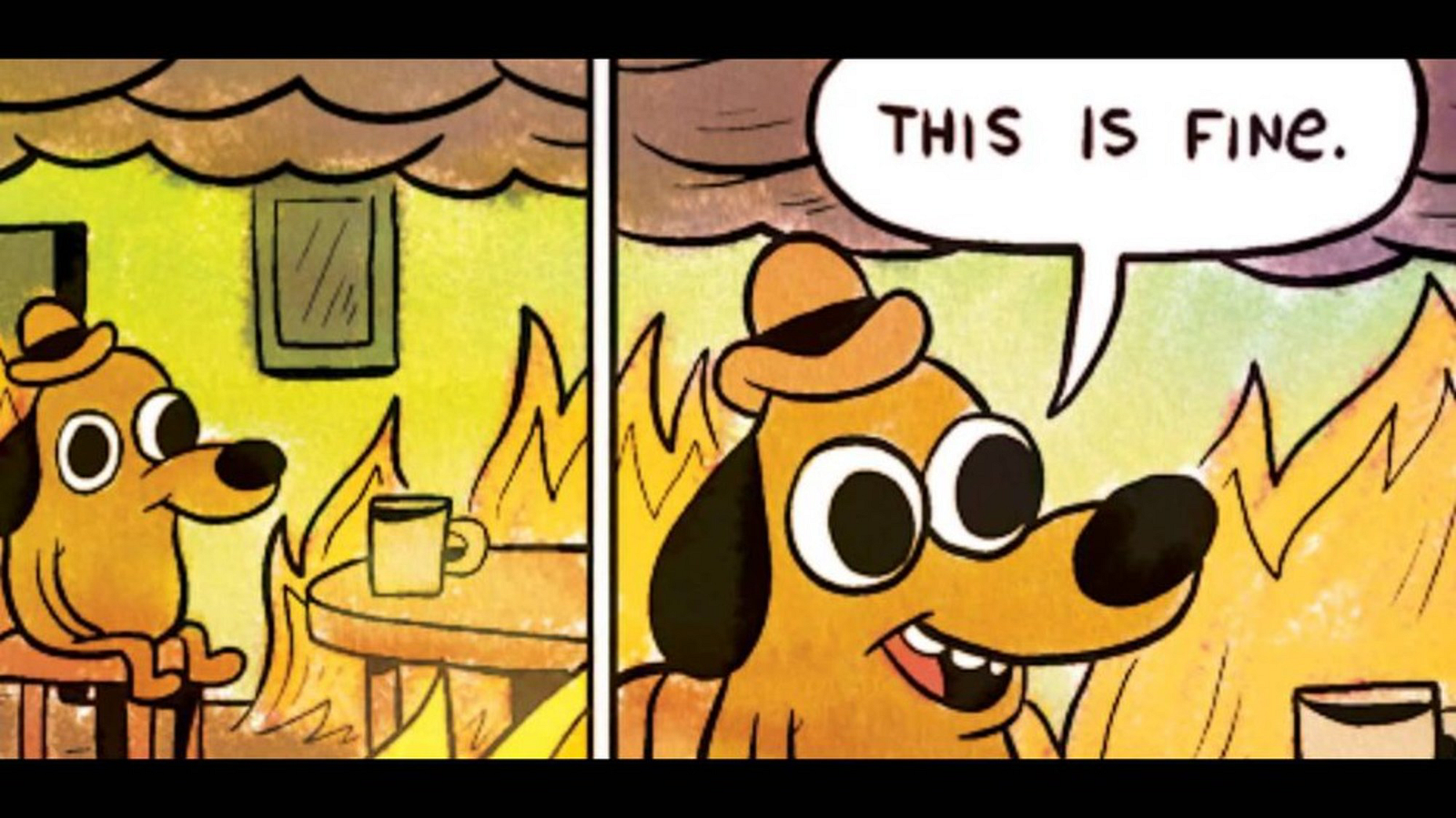 Graphical representation of listening to the client speak
No. None of this is fine. Never accept the unacceptable.
Exactly like the rollercoaster checkpoints, environments in your deployment pipeline need to be standardized. There need to be defined inputs, outputs, and capabilities, and those need to be as identical as possible across all environments. It’s impossible to promote code at speed when there are environmental unknowns.
We were able to help the client standardize the configuration of the environments and create a standard and formal deployment process. After this was in place, promotions were faster because there were fewer environment-specific issues to work out, and deployments to pre-prod stopped failing because the instructions had been exercised already.
Most importantly, the lessons learned in deployments to lower environments were relevant to deployment to any environment — including production. Therefore issues encountered could be resolved, and their resolutions accurately validated as promotions happened.
The net result was that deployments to production went from requiring days of downtime to hours, because the issues that plagued production deployments had been encountered and resolved in the lower environments… where that sort of thing should happen.
The client assumed that one pipeline was enough to support maintenance / hotfixes of a current production version and development of a new version at the same time.
This just isn’t a thing. If you are working on two versions of a product, you need two development pipelines.
Space Mountain has two tracks, if one of them stops the other can keep going. At this client, if a production bug came up, all new development stopped. The environments were blocked by the production bug work.
We were able to build mirror environments in order to give the client the second track. Initially this second track was just the lower environments, Dev, QA, and UAT. This had the immediate benefit of allowing everyone to continue working, even when some people had to work on a hotfix. Environment contention only occurred once we got to Pre-prod and Production, but by then release schedules typically resolved the contention.
Later we were able to move the mirrored environment capability to Pre-prod and Production, which gave us the ability to deploy to the mirrored, “offline,” production instance, and then “swap” the instances. This made the newly deployed software live and giving us a quick way to roll back — all we needed to do was swap the instances to roll back.
This is exactly like performing maintenance or upgrades on one of Space Mountain’s tracks while the other continues to operate. The ride stays open, and once the work is done, the newly upgraded track goes into operation.
Production deployments used to be a bloody 4 days, but by working on the development pipeline, it became an uneventful 10 minutes.
 My favorite robot. Looks like things are running well.
This all happened not because quality improved, not because we “planned better and worked harder,” but because development pipeline throughput and deployment repeatability improved.
Dev pipeline throughput is the crux to pretty much everything. Take the time to make sure you have enough automation, enough checkpoints, and enough consistency in your checkpoints to be able to develop at speed.